
General image settings
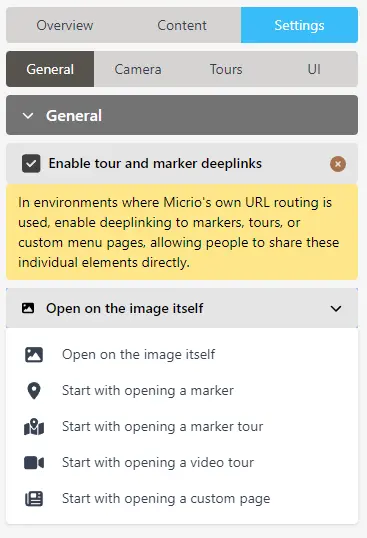
In the General Settings, you can specify:
Opening state
By default, visitors will just see your image when they arrive. This setting allows you to change the starting behavior:
Open on the image itself (default): Users will simply see the image and have to interact with it themselves.
Start with opening a marker: You can select a marker which will be automatically opened when users visit your image.
Start with opening a marker / video tour: You can select a marker or video tour which will auto-start when your image is viewed.
TIP
You will only see these options when a tour has already been created for this image.
Start with opening a custom page:
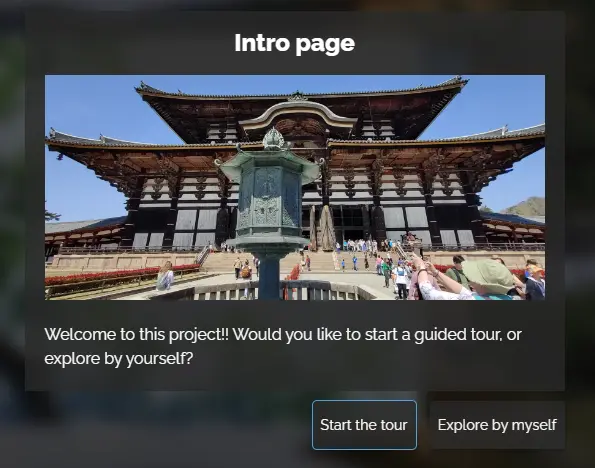
You can open the image with a custom page, created under the Custom Menus editor. This is a very powerful feature, as you can show an introduction video and / or text, and add your own custom buttons to let the user for instance choose between starting a tour, or exploring the image by themselves.
TIP
You will only see these options when you have created at least one custom page.